Overview
Link your 9-digit Global Freight Forwarding (GFF) account number to your UPS Forwarding Hub profile to access your company's negotiated freight rates and account information when quoting and booking shipments.
If your account is not linked, quotes may display standard market rates instead of your contracted pricing.
Before You Begin
Make sure you have:
- An active UPS Forwarding Hub user account
- A valid 9-digit Global Freight Forwarding (GFF) account number
- Access to the billing address information associated with the account for verification purposes
Make sure you understand:
- Standard 6-character UPS Small Package account numbers cannot be linked.
- If an account with associated special rate agreements is not linked, market rates will display when quoting.
- Linking a freight account helps minimize shipment processing and billing issues.
Link a GFF Account Number
Step 1: Navigate to Address Book & Linked Accounts
- Log in to UPS Forwarding Hub.
- Select My Profile from the top navigation menu.
- Select My Profile Page.
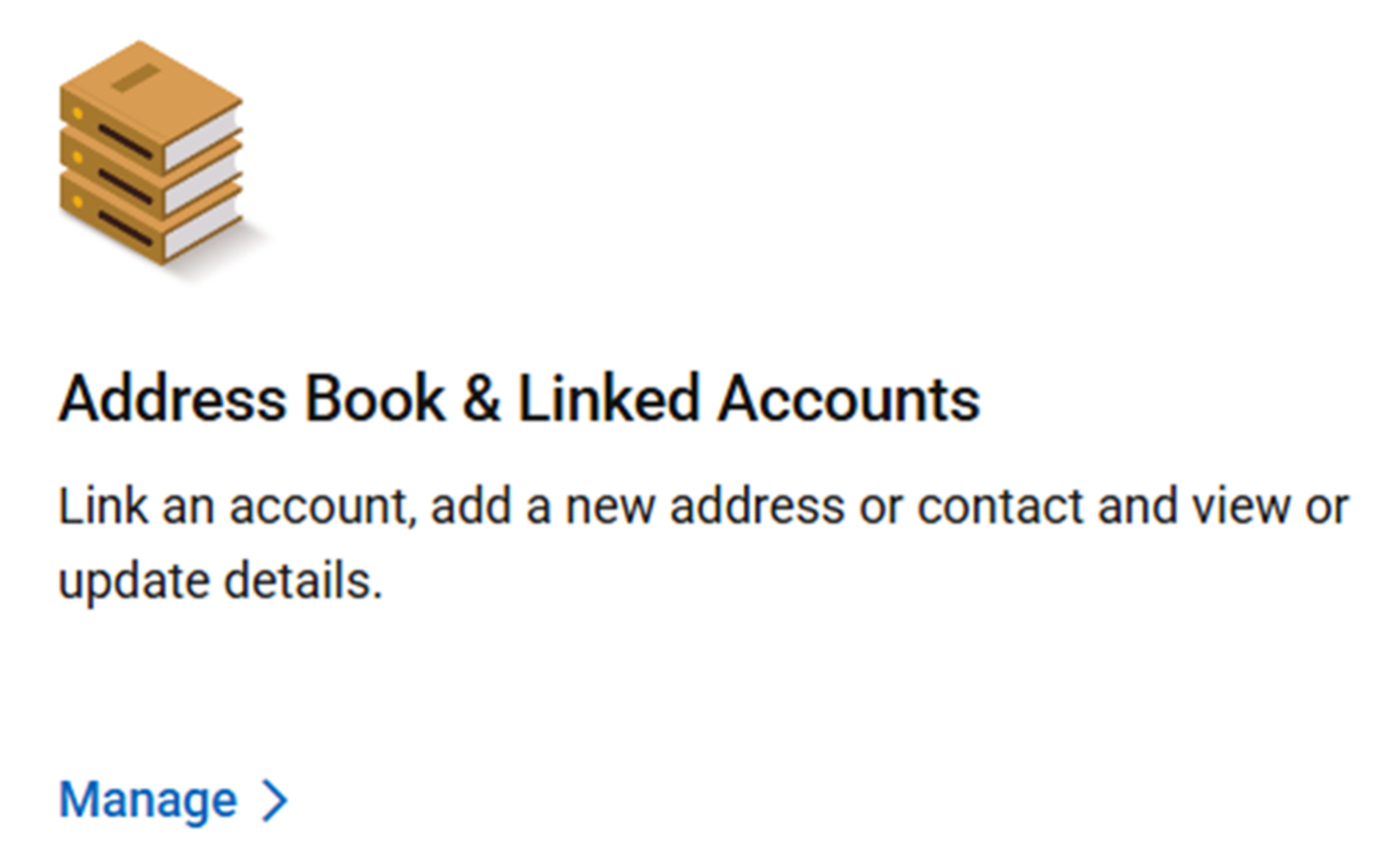
- In the Address Book & Linked Accounts section, select Manage.
Step 2: Start the Account Linking Process
- Select the Linked Accounts tab.
- Select Link an Account.
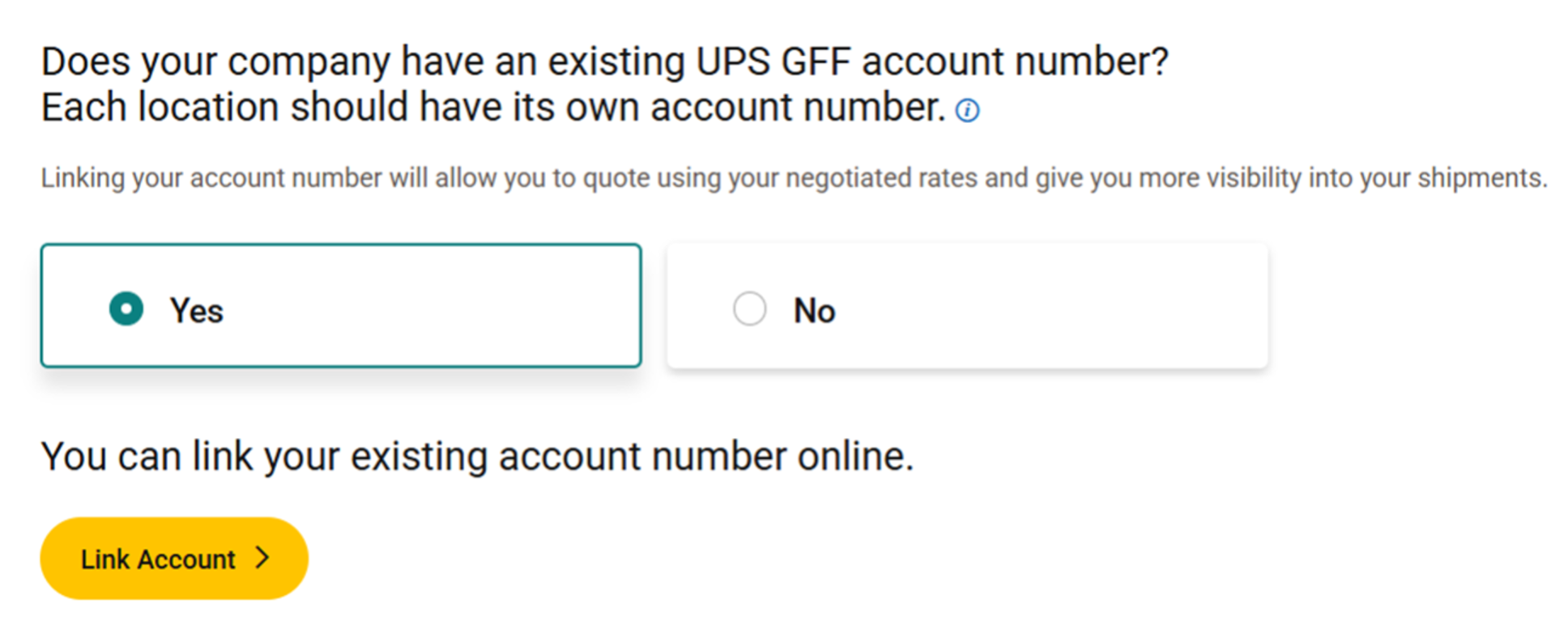
- When asked if your company has an existing UPS GFF account number, select Yes.
- Select Link Account.
Step 3: Search for and Verify Your Account
- Enter your 9-digit GFF account number.
- Select Search.
- Verify that the account information displayed matches your company.
- Select Continue.
- Complete the account verification questions using the information associated with the account.
- Select Continue after each response.

Step 4: Confirm Success
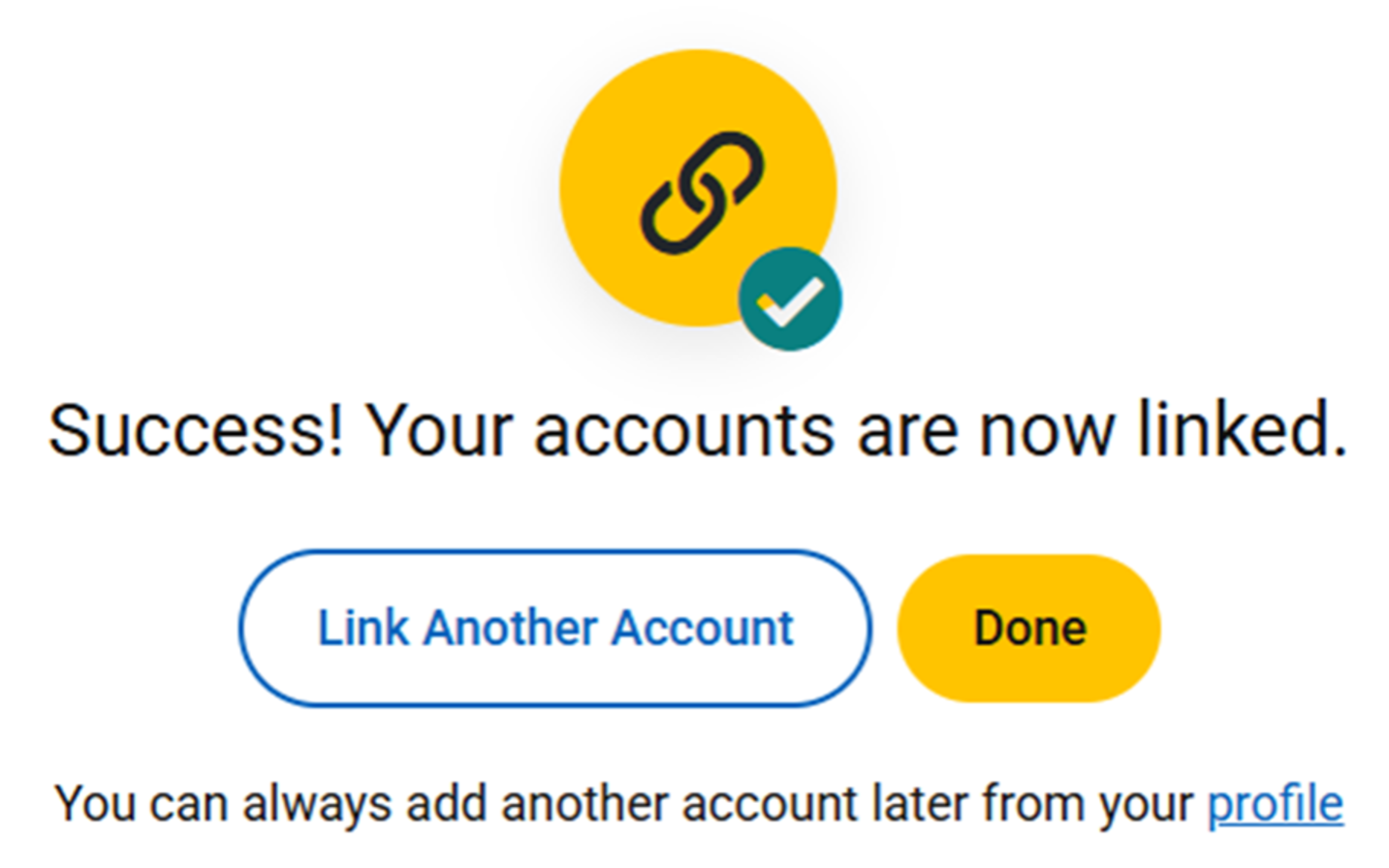
- Review the confirmation message indicating that your account was successfully linked.
- Select Done to return to your profile.
- To link another account, select Link Another Account.
What Happens Next
After successfully linking your account:
- The account appears in the Linked Accounts section of your profile.
- Future freight quotes can use your negotiated contract pricing, when applicable.
- You can begin using the account when quoting and booking shipments.
Frequently Asked Questions
Why can’t my account number be found?
If the system cannot locate your account number:
If the system cannot locate your account number:
- Verify that you entered a valid 9-digit GFF account number.
- Confirm that the account is active.
- Contact your UPS representative if you need assistance locating or validating the account.
Why don’t my account verification answers match?
If the information you entered does not match the account records:
If the information you entered does not match the account records:
- Verify the billing address associated with the account.
- Enter the exact address information on file for the account.
- Contact your company’s account administrator if you are unsure which address is associated with the account.
What should I do if I don’t know my GFF account number?
If you do not know your company’s GFF account number:
If you do not know your company’s GFF account number:
- Contact your company’s shipping administrator.
- Check a previous billing invoice
- Contact your UPS representative for assistance.
- Request a GFF account number if your company does not currently have one.
Related Articles
Was this article helpful?
That’s Great!
Thank you for your feedback
Sorry! We couldn't be helpful
Thank you for your feedback
Feedback sent
We appreciate your effort and will try to fix the article